Every engineering team eventually watches the same argument play out. Marketing needs a redesign now, and backend developers do not want to spend sprints hand-coding landing pages. The usual reactions sit at two extremes: a heavy SaaS site builder that ships large amounts of vendor JavaScript, or a custom React stack that takes six months to build and is hard to maintain for what should have been a straightforward content engine.
Choosing a content management system CMS platform is the pragmatic middle path. W3Techs reports that WordPress alone runs about 40% of all websites, so the question in 2027 is no longer whether to use a CMS, but whether your stack should be monolithic, visual-first, or decoupled headless. This guide compares 10 content management system examples across architecture, data model, API access, hosting control, and operating overhead, drawing on vendor documentation and Vinova’s delivery experience in custom web application development across Singapore and the Asia-Pacific region.
The right CMS is the one your team can run, secure, and extend for five years, not the one with the longest feature list.
Key Takeaways
Market Position: WordPress runs about 39.5% of all websites and 58.2% of sites with a known CMS (W3Techs, 2 November 2026). Shopify (7.2%) and Wix (6%) follow (W3Techs, April 2026).
Architecture Decides Cost: Monolithic, visual-first, and headless platforms differ most in who maintains the infrastructure, not in how pages look.
Open Source Means Control, Not Free: WordPress, Drupal, Strapi, and Ghost carry no core license fee, but hosting, security patching, and engineering time are your cost.
Match the Platform to the Workload: Editorial scale, B2B marketing, CRM-linked lead generation, retail checkout, composable apps, newsletters, and complex governance each point to a different platform.
Table of Contents
Content Management System Examples: Top 10 CMS Platforms Compared (2027)
These examples of content management systems cover the full range from open-source frameworks to closed SaaS builders. Compare them by architecture, workload, cost model, and operational trade-off:
Table 1. Top 10 CMS Platforms by Architecture and Trade-Off
| # | Platform | Architectural Model | Primary Workload | Cost Model | Core Operational Trade-Off |
|---|---|---|---|---|---|
| 1 | WordPress | Monolithic or headless PHP | Editorial scale and custom data schemas | Free core; hosting and maintenance are your cost | Plugin sprawl and the need for continuous patching. |
| 2 | Webflow | Hosted SaaS with semantic HTML and CSS | B2B SaaS marketing and agency sites | Per-site subscription plans | CMS collection limits by plan; limited relational modeling. |
| 3 | HubSpot Content Hub | Proprietary cloud, CRM-native | Inbound lead generation and account marketing | Tiered subscription that grows with seats | Cost scaling and proprietary HubL templating. |
| 4 | Shopify | Multi-tenant SaaS (Liquid, Hydrogen) | Omnichannel commerce and retail carts | Monthly plans plus transaction fees | Extra fees on third-party gateways; basic native blogging. |
| 5 | Strapi | Decoupled headless Node.js | Composable multi-channel apps | Free community edition; paid Cloud and enterprise tiers | No presentation layer; needs a dedicated front-end build. |
| 6 | Ghost | Lightweight Node.js publishing platform | Paid newsletters and media publications | Free self-hosted; paid managed hosting | Not designed for corporate sites or product catalogs. |
| 7 | Drupal | Open-source PHP on Symfony | Complex public sector data and multilingual taxonomies | Free core; specialist engineering is the main cost | Steep learning curve and scarcer specialist talent. |
| 8 | Squarespace | Proprietary closed SaaS (Fluid Engine) | Visual portfolios and boutique services | Subscription plans | No database access and constrained integrations. |
| 9 | Wix Studio | Cloud SaaS with Velo JavaScript | Fast agency builds and local business portals | Subscription plans | Heavy front-end payloads; migration means a rebuild. |
| 10 | Adobe Commerce | PHP commerce platform on PaaS or self-hosted | B2B wholesale and multinational catalogs | Licensed by quote; Magento Open Source is free | Heavy infrastructure and dedicated DevOps needs. |
Most Popular Content Management Systems: Market Share in 2027
The most popular content management systems are not always the best fit, but popularity matters. It predicts how easy it is to hire engineers, find integrations, and get long-term community support. W3Techs, which tracks technology use across the web, shows how concentrated the market is:
Table 2. CMS Market Share Among Sites With a Known CMS
| Platform | Share of sites with a known CMS | Source and date |
|---|---|---|
| WordPress | 58.2% (about 39.5% of all websites) | W3Techs, 2 November 2026 |
| Shopify | 7.2% | W3Techs, April 2026 |
| Wix | 6.0% | W3Techs, April 2026 |
These figures come from W3Techs snapshots taken on different dates and will move. Squarespace, Joomla, and Drupal each hold a smaller share. Use popularity as a tiebreaker after workload fit, not as the starting point.
How We Evaluated These CMS Platforms
This guide is a qualitative engineering comparison drawn from vendor documentation and Vinova’s delivery experience. It does not report controlled benchmarks, because response times depend on your hosting, caching, content model, and traffic. Run your own load tests on a realistic content model before you commit.
Table 3. Evaluation Criteria
| Criterion | What We Look At |
|---|---|
| Architecture model | Monolithic, visual-first SaaS, or decoupled headless, and what that means for your front-end team. |
| Data model | How flexibly the platform models related content, taxonomies, and custom fields. |
| API access | REST, GraphQL, or JSON:API support, and how much of the data you can reach. |
| Hosting control | Whether you choose the region, cloud, and infrastructure, or the vendor does. |
| Security and compliance | Who patches, who holds certifications, and what your team must still do. |
| Cost model | License, subscription, hosting, and engineering time, not the sticker price alone. |
| Maintenance overhead | Upgrade effort, plugin or extension risk, and the skills needed to operate it. |
1. WordPress: Full Content Ownership on a Relational Core
Vinova engineering view: WordPress is the platform to choose when your team wants to own the code, the database, and the hosting. It can run as a traditional themed site or as a headless content source for a React front end, without moving content between systems.
Platform stack: PHP with MySQL or MariaDB; GPL-licensed core; built-in REST API; GraphQL through the WPGraphQL plugin.
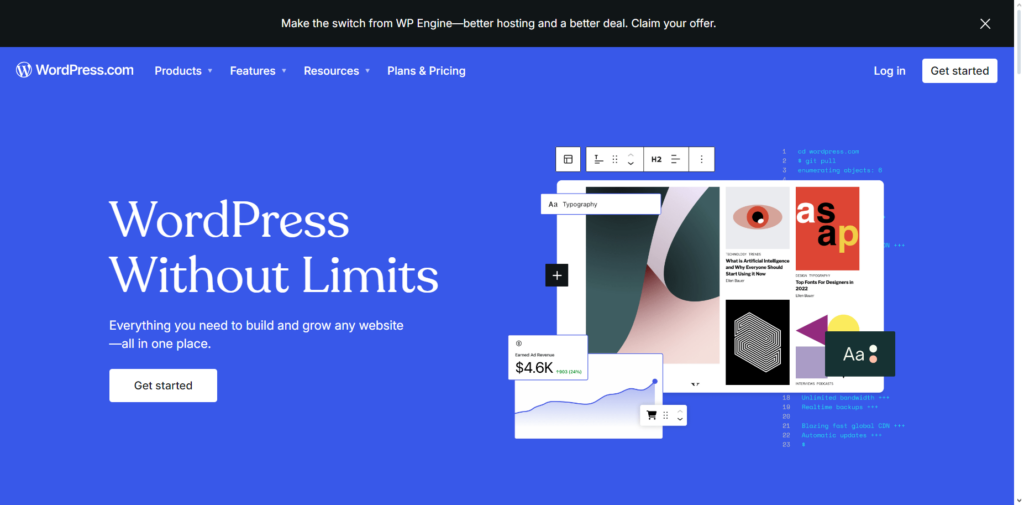
WordPress is an open-source content engine used on about 40% of all websites (W3Techs, November 2026). Content lives in a well-documented relational schema (wp_posts and wp_postmeta) that separates presentation from data. Vinova teams typically pair it with Docker-based builds, Advanced Custom Fields for structured field definitions, and WPGraphQL when a headless front end is needed.
Architectural Highlights
- Flexible Data Modeling: Custom Post Types, taxonomies, and metadata let teams model nested content types, with full control over database queries.
- Technical SEO Control: Native rewrite rules support custom routing, XML sitemaps, canonical handling, and structured data without vendor restrictions.
- Headless Readiness: The built-in REST API and WPGraphQL let Next.js or React front ends request only the fields they need, and edge caching reduces origin load.
Engineering Pros
- Control over code, database, and hosting: run on AWS, GCP, Azure, or your own servers.
- A very large global talent pool, which simplifies hiring and handover.
- No license fee for the core software.
Friction Points We See
- Plugin sprawl slows sites down, and unmonitored third-party extensions add performance and security risk.
- It needs a disciplined, automated patch pipeline (Docker, Composer, CI/CD) to prevent security drift. Teams without in-house capacity for patching can also use managed IT services. Follow our guide to optimizing WordPress website development to maintain clean dependencies and high performance.
The Verdict: Choose WordPress when you need ownership of your data, high-volume editorial publishing, or complex workflows across distributed teams.
2. Webflow: Visual Development for Agile B2B and SaaS Marketing
Vinova engineering view: Webflow suits teams where designers should ship production pages without waiting for an engineering sprint, as long as the content model stays simple.
Platform stack: Hosted SaaS; visual editor that outputs HTML, CSS, and JavaScript; CMS collections; managed hosting on a global CDN.
Webflow is a cloud-based visual development platform that turns canvas design into standards-based HTML, CSS, and JavaScript. For B2B technology teams, it shortens the handoff between design and engineering by letting designers publish directly.
Architectural Highlights
- Direct CSS Control: Flexbox, CSS Grid, positioning, and pseudo-classes are exposed in the visual canvas.
- CMS Collections: Structured collections let non-technical teams publish case studies, changelogs, and team directories.
- Managed Delivery: Hosting, staging, and CDN delivery come with the platform, so there is no server to maintain.
Engineering Pros
- Removes engineering tickets for landing pages and copy updates.
- Clean code output and automatic image optimization support strong Core Web Vitals scores.
- Workspace roles and staging environments support controlled publishing.
Friction Points We See
- CMS collection item limits vary by plan, which can cap programmatic SEO and directory-style sites. Check the limits against your planned record count.
- There is no true relational database, so complex many-to-many relationships often need external workflows.
The Verdict: Best for B2B technology firms, SaaS companies, and agencies where marketing speed and visual branding matter more than complex data models.
3. HubSpot Content Hub: Content Tied Directly to the CRM
Vinova engineering view: HubSpot Content Hub is built for revenue and marketing teams that want every page view connected to a CRM contact record, not for engineers who want to tune servers.
Platform stack: Managed SaaS; native integration with HubSpot CRM; HubL templating language.
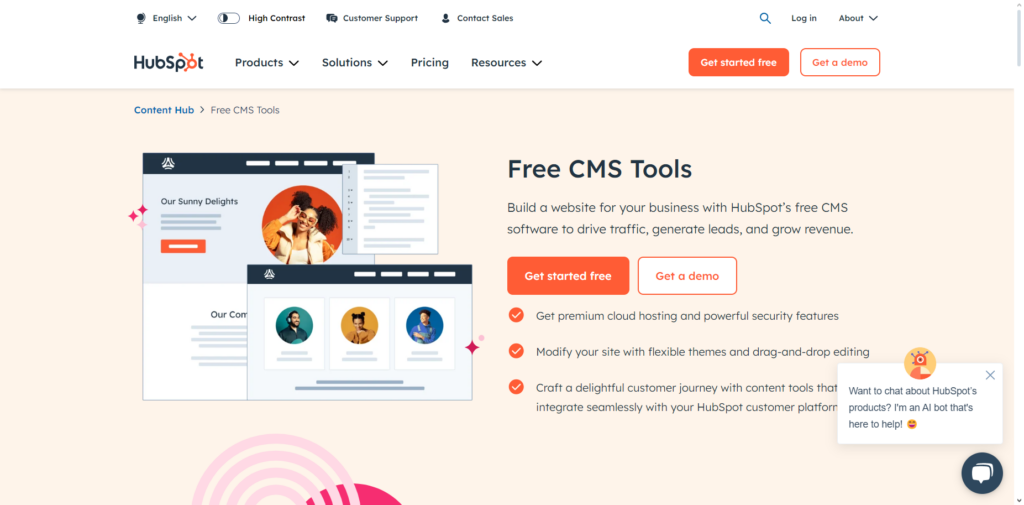
HubSpot Content Hub is a managed content platform built on the same data model as HubSpot’s CRM. Where other systems need integrations to pass lead data to a sales CRM, HubSpot treats web pages as part of the customer lifecycle.
Architectural Highlights
- Behavioral Personalization: Page sections and calls to action can change by lifecycle stage, company attributes, or past interactions.
- Managed Security Perimeter: HubSpot operates the hosting, TLS certificates, and traffic protection, so your team does not.
- Attribution Reporting: Track a lead from first page visit through form submission, meeting booking, and closed deal.
Engineering Pros
- No servers, patch schedules, or monitoring to run.
- A tight link between lead capture, email, and the sales pipeline.
- A guided editor helps marketers publish without breaking layouts.
Friction Points We See
- Pricing rises with tier and team size, so model the cost at your expected seat count before committing.
- Developers must learn HubL, a proprietary templating language with limited use outside HubSpot.
The Verdict: Choose HubSpot Content Hub when your site mainly feeds inbound leads into HubSpot CRM and you accept less code control in exchange for easier operations.
4. Shopify: Reliable Checkout for Retail and Direct-to-Consumer
Vinova engineering view: When traffic spikes during a sales event, most retail teams want engineers working on the customer experience, not on checkout infrastructure. That is the case for Shopify.
Platform stack: Hosted multi-tenant SaaS; Liquid themes; Hydrogen and Oxygen for headless storefronts; PCI DSS Level 1 compliant platform.
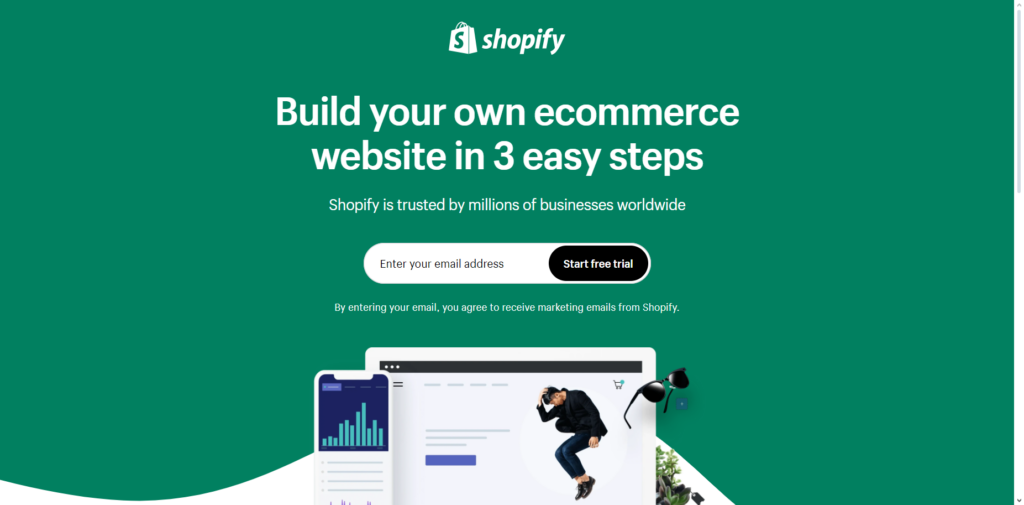
Shopify is a commerce platform built around transactions, inventory, and checkout. Instead of adding a shopping cart plugin to a publishing system, its whole stack is designed around orders, payments, and fulfillment.
Architectural Highlights
- Accelerated Checkout: Shop Pay stores customer details so returning shoppers can check out quickly.
- Headless Option: Hydrogen, a React-based framework, and Oxygen hosting let engineering teams build custom storefronts on Shopify’s commerce backend.
- Omnichannel Sync: Inventory and pricing can sync across point-of-sale hardware, web storefronts, social channels, and marketplaces.
Engineering Pros
- Managed infrastructure built to handle promotional traffic surges.
- Multi-currency, local payment methods, and tax tools are built in.
- A large app ecosystem for shipping, logistics, and customer retention.
Friction Points We See
- Third-party payment gateways carry an extra transaction fee, up to 2.0% on the entry plan in a May 2026 pricing review, so check current rates.
- Native blogging and editorial tools are basic next to WordPress or Webflow. Brands evaluating bespoke commerce should consult our comparison of Shopify vs. Custom Ruby on Rails.
The Verdict: A strong default for direct-to-consumer and retail brands where checkout reliability is the primary business metric.
5. Strapi: Open-Source Headless CMS for Composable Teams
Vinova engineering view: Strapi gives engineers control: models are defined in code, APIs are generated, and teams deploy it like any other Node.js service.
Platform stack: Node.js with TypeScript support; PostgreSQL, MySQL, MariaDB, or SQLite; REST and GraphQL APIs; MIT-licensed core with optional paid enterprise features; Strapi Cloud for managed hosting.
Strapi is a widely used open-source headless CMS built on Node.js. It has no presentation layer: it stores structured content and serves it through REST or GraphQL. Vinova engineers evaluate it first when one content model must feed web, mobile, and other channels. Explore our technical guide to headless CMS development for architecture patterns.
Architectural Highlights
- Visual Content-Type Builder: Define entities, relations, repeatable components, and media fields in the admin console, which writes version-controlled schema files.
- Code Extensibility: Customize controllers, lifecycle hooks, and plugins, and write custom queries in standard JavaScript or TypeScript modules.
- Role-Based Permissions: API tokens and fine-grained access rules control public, authenticated, and admin endpoints.
Engineering Pros
- One content source can feed Next.js, Nuxt, Flutter, native mobile apps, or digital signage.
- Self-hostable on AWS, Docker, or Kubernetes, which supports data residency requirements.
- No front-end scripts are injected into your client applications.
Friction Points We See
- There is no default website, so front-end developers must build the entire interface.
- Editors cannot preview page layouts without a custom-built preview pipeline.
The Verdict: A good fit for product teams and enterprises building composable architectures, mobile apps, and multi-channel platforms.
6. Ghost: Focused Publishing for Media and Newsletters
Vinova engineering view: Ghost does one job, publishing written content with built-in memberships, and avoids the extra layers a general-purpose CMS carries.
Platform stack: Node.js; MySQL 8; Handlebars themes; Content and Admin APIs; MIT license; Ghost(Pro) managed hosting.
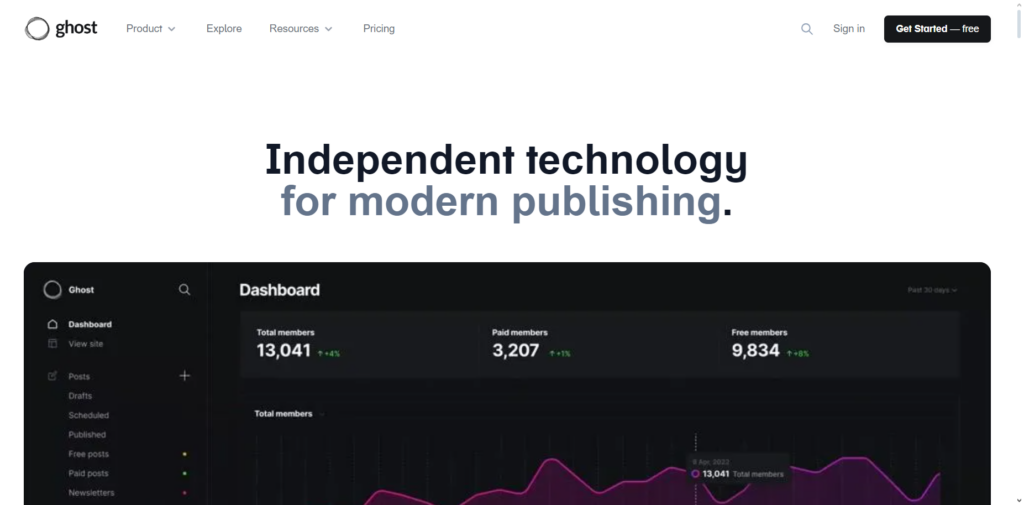
Ghost is an open-source publishing platform for journalists, newsletters, and media networks. Built on Node.js, it concentrates on a focused editor, paid memberships, and email newsletters.
Architectural Highlights
- Native Memberships and Paywalls: Recurring subscriptions run through a Stripe integration. Ghost does not take a cut of subscription revenue, though Stripe’s processing fees apply.
- Web and Email Together: One post can be published to the site and sent as a formatted email newsletter.
- Lean Delivery Stack: A Node.js core with Handlebars templates keeps themes small and straightforward to optimize for Core Web Vitals.
Engineering Pros
- A fast, focused writing experience.
- Memberships and newsletters are built in, which removes the need for separate subscription plugins.
- An open-source core you can self-host or run on managed hosting.
Friction Points We See
- Poorly suited to corporate brochure sites, services firms, or product catalogs.
- Content models beyond editorial writing require custom code through the APIs.
The Verdict: Choose Ghost when your business model revolves around editorial publications, research newsletters, or paid subscriber communities.
7. Drupal: Structured Content for Complex Governance Needs
Vinova engineering view: Drupal earns its place when requirements get complicated: many editor roles, approval chains, several languages, and strict access rules.
Platform stack: PHP on Symfony components; MySQL, MariaDB, or PostgreSQL; GPL-licensed core; JSON:API in core.
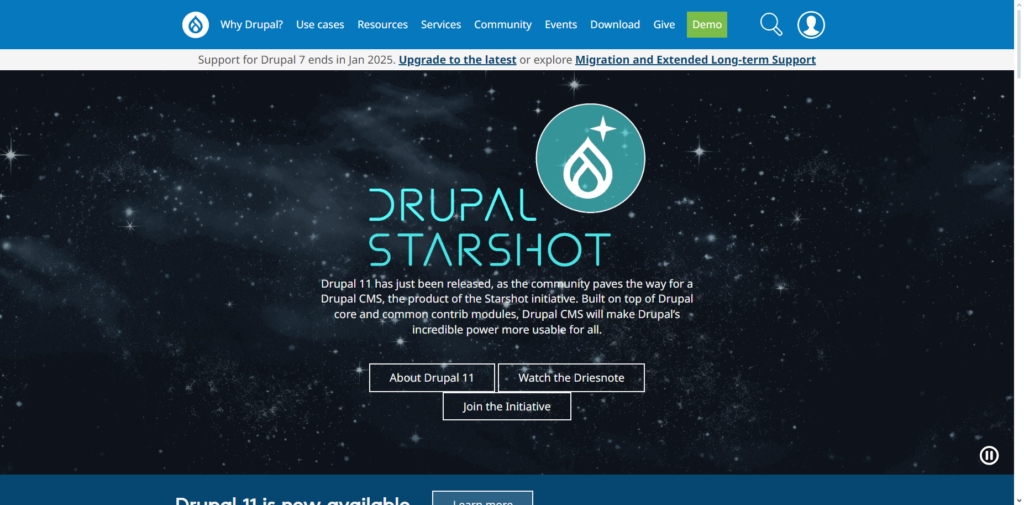
Drupal is an open-source framework built for structured content, detailed taxonomies, and organizational governance. Universities, NGOs, and government portals use it because it models content as typed, related entities rather than loose pages.
Architectural Highlights
- Granular Access Control: Define multi-step editorial approval chains and visibility rules across many user roles.
- Native Multilingual Support: Translation of interfaces, fields, and taxonomies is built into core.
- API-First Options: JSON:API ships in core, which supports decoupled front ends and integration with enterprise back ends.
Engineering Pros
- A long security track record, backed by a dedicated security team and public advisories.
- Strong modeling for multi-dimensional, related content.
- Scales horizontally across clustered servers.
Friction Points We See
- A steeper learning curve: Views, entity hooks, and configuration management usually need specialist Drupal engineers.
- Implementation and maintenance often cost more than with simpler CMS options.
The Verdict: Choose Drupal for large universities, public sector portals, and international organizations managing complex content structures and strict compliance requirements.
8. Squarespace: Polished Design for Creative Businesses
Vinova engineering view: Squarespace trades backend flexibility for design consistency. For small businesses without an in-house designer, that is often a sensible trade.
Platform stack: Hosted proprietary SaaS; Fluid Engine editor; built-in hosting, domains, and commerce.
Squarespace is an all-in-one website platform for creative studios, photographers, and independent consultants. It bundles domains, managed hosting, responsive layouts, and support, so there is no hosting to manage.

Architectural Highlights
- Curated Design Templates: Responsive templates with refined typography and clean visual proportions.
- Fluid Engine Editor: A freeform drag-and-drop grid that lets creators position elements separately for desktop and mobile.
- Integrated Business Tools: Appointment scheduling through Acuity, invoicing, memberships, and commerce checkout.
Engineering Pros
- Polished presentation out of the box with no coding.
- No server administration, manual backups, or plugin patching.
- An intuitive authoring experience for non-technical teams.
Friction Points We See
- A closed ecosystem with minimal programmatic access to raw data or custom backend code.
- Limited suitability for complex, multi-tier data models or high-volume inventories.
The Verdict: An efficient, reliable option for independent consultants, creative studios, and boutique businesses that want a professional web presence quickly.
9. Wix Studio: Fast Delivery for Agencies and Local Businesses
Vinova engineering view: Wix Studio is a real step up from consumer site builders, because it adds developer tooling through Velo.
Platform stack: Managed cloud SaaS; visual editor; Velo for JavaScript back-end code.
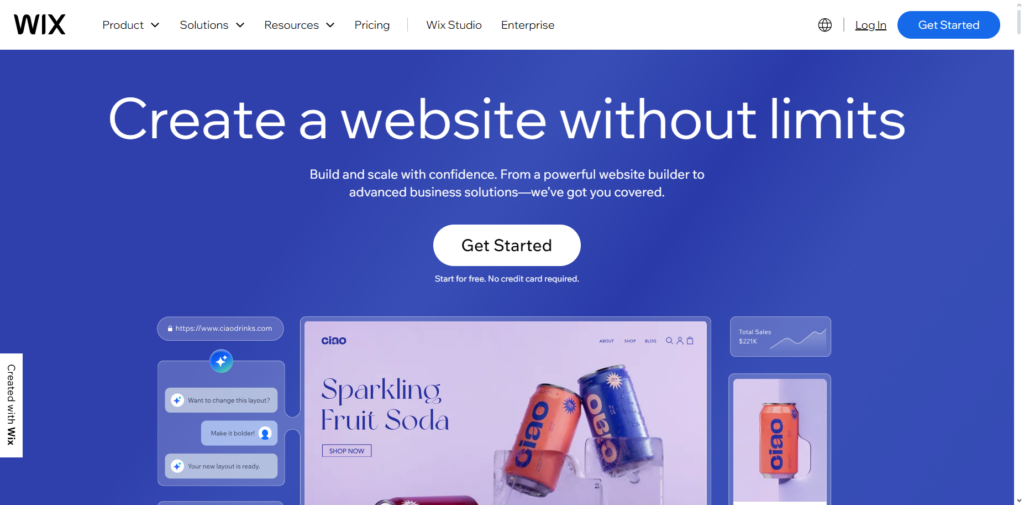
Wix Studio is a cloud website platform built for agencies and freelance designers delivering business portals quickly. It pairs a freeform visual canvas with proportional scaling and JavaScript extensions through Velo, which makes it a practical option for local service firms.
Architectural Highlights
- Proportional Responsive Editor: A visual canvas whose layout elements scale across screen sizes.
- Built-In Vertical Tools: Bookings, events, and restaurant ordering are available out of the box.
- Velo Extensions: Bind visual components to serverless back-end functions, external REST APIs, and database collections.
Engineering Pros
- Fast client delivery using pre-built agency design systems.
- Fully managed hosting with no infrastructure maintenance.
- Built-in vertical apps reduce the need for third-party SaaS subscriptions.
Friction Points We See
- High vendor lock-in: layouts and data structures do not move to another platform, so a migration means rebuilding.
- Front-end payloads can grow heavy, so disciplined optimization is needed to protect Core Web Vitals.
The Verdict: Well suited to digital agencies and service firms building local business sites, event portals, and booking pages on tight delivery windows.
10. Adobe Commerce: Heavy-Duty Commerce for Global B2B
Vinova engineering view: When a business manages very large configurable catalogs, customer-specific price lists, and multi-warehouse routing across countries, lightweight SaaS tools often run out of room. That is where Adobe Commerce is considered.
Platform stack: PHP; MySQL or MariaDB; Entity-Attribute-Value (EAV) data model; Adobe Commerce Cloud or self-hosted; Magento Open Source is the free community edition.
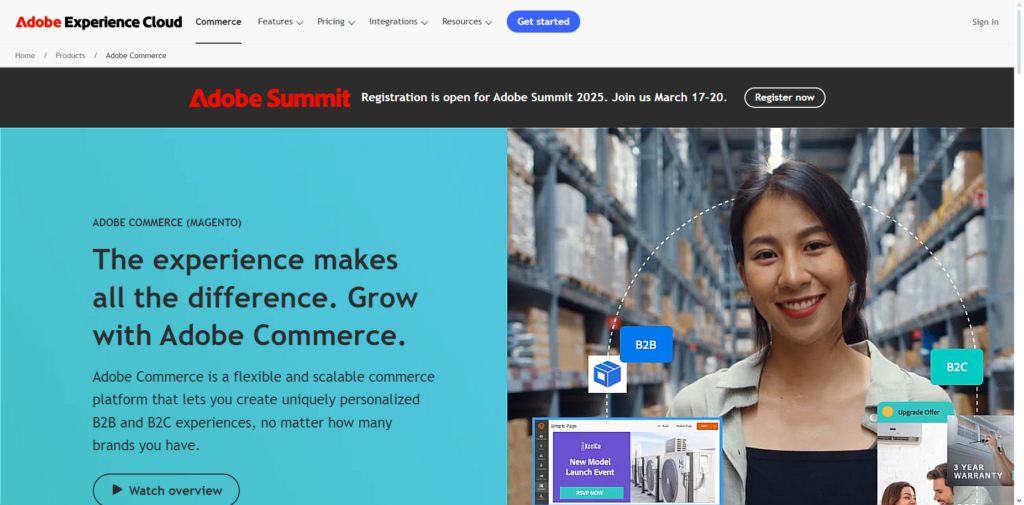
Adobe Commerce (formerly Magento) is a commerce platform for large catalogs, B2B wholesale portals, and multi-brand retail. It gives teams deep control over transaction logic and database design.
Architectural Highlights
- B2B Wholesale Features: Company accounts, custom price tiers, negotiated quotes, and purchase order approval limits.
- Multi-Store Architecture: Manage several localized storefronts, languages, tax policies, and inventories from one admin hub.
- Large Configurable Catalogs: Handles extensive product attribute variations, bundles, and multi-warehouse routing rules.
Engineering Pros
- Deep customization of transaction pipelines, database schemas, and ERP integrations.
- Designed for global, multi-currency commerce operations.
- A broad international ecosystem of specialist implementation partners.
Friction Points We See
- It needs dedicated cloud infrastructure and a meaningful hosting budget.
- It needs experienced engineers for ongoing maintenance, security patching, and database tuning.
The Verdict: Built for multinational retail brands and B2B wholesale distributors that manage complex catalogs and need full control of their infrastructure.
CMS Content Management System Open Source: Four Options Compared
An open-source CMS gives you the source code, the right to host it where you choose, and no license fee for the core software. It does not give you free operation: hosting, patching, backups, and engineering time still cost money. Four platforms in this guide are open source:
Table 4. Open-Source CMS Platforms Compared
| Platform | Core License | Architecture | Hosting | Best For |
|---|---|---|---|---|
| WordPress | GPL | Monolithic or headless PHP | Self-hosted or managed hosts | Editorial publishing and flexible data models |
| Drupal | GPL | PHP on Symfony, API-first options | Self-hosted or managed hosts | Multilingual, role-heavy governance |
| Strapi | MIT core, optional paid enterprise features | Headless Node.js | Self-hosted or Strapi Cloud | Multi-channel apps with custom front ends |
| Ghost | MIT | Node.js publishing platform | Self-hosted or Ghost(Pro) | Newsletters and paid memberships |
Best Open Source Content Management System
There is no single best open source content management system, only a best fit for the workload. Pick WordPress for broad flexibility and the largest talent pool, Drupal for complex governance and multilingual content, Strapi when several channels share one content model, and Ghost when the business is publishing and memberships. Confirm the license terms for the exact edition and extensions you plan to use.
Content Management Software Examples: SaaS vs. Self-Hosted
Content management software examples fall into a few hosting models, and the model shapes your costs and risks more than any feature list. This table groups the platforms in this guide by who runs the infrastructure:
Table 5. Content Management Software by Hosting Model
| Model | Examples | What You Control | What the Vendor Runs | Typical Fit |
|---|---|---|---|---|
| All-in-one SaaS | Wix Studio, Squarespace, Shopify | Content, design, and apps within platform limits | Hosting, security patching, uptime | Small teams that need a fast launch and standard features |
| Marketing SaaS | Webflow, HubSpot Content Hub | Content, design, and CRM or collection logic | Hosting, CDN, platform updates | Marketing teams that publish often without engineering |
| Self-hosted open source | WordPress, Drupal, Ghost, Strapi | Code, database, hosting region, extensions | Nothing; the community maintains the core | Teams that need ownership, customization, or data residency |
| Managed open source | Ghost(Pro), Strapi Cloud, managed WordPress hosts | Content, configuration, and code within limits | Hosting, backups, upgrades | Ownership without running servers |
| Licensed commerce platform | Adobe Commerce | Code, data, and integrations | Licensing, with an optional cloud offering | Large B2B and multi-brand commerce |
Vinova Field Insights: Real-World Architecture Lessons
Across more than 300 projects over 16 years, our engineering teams have seen three recurring patterns undermine content projects:
- The “Headless Everything” Trap: Decoupled headless architectures are powerful, but they widen your infrastructure surface. For engineering leaders evaluating this path, our headless CMS development guide breaks down when decoupling delivers an ROI versus when it introduces needless operational overhead. A team that adopts headless for a simple marketing site often ends up maintaining custom preview environments, GraphQL schema bindings, and staging pipelines it did not need. If your content only reaches a desktop and mobile web browser, a well-cached monolithic system such as WordPress or a visual platform such as Webflow is usually the more efficient choice.
- High-Concurrency Content Surges: Monolithic architectures often struggle during promotional events or synchronized portal access. When Vinova engineered a digital scheduling and booking portal for a Singapore training and licensing operator, monthly slot releases generated thousands of concurrent hits within seconds. By implementing Redis query caching, MariaDB connection pooling, and AWS auto-scaling, we eliminated database lock contention without requiring an expensive architectural rewrite.
- The SaaS Lock-In Blindspot: Proprietary website builders promise fast launches. When a growing organization later needs custom data integrations, complex role hierarchies, or specific data hosting, moving off a closed visual platform usually means rebuilding templates from scratch. Evaluate your five-year roadmap before placing core content in a closed platform.
Strategic Decision Framework: Which Platform Fits Your Stack?
To avoid selection paralysis, match your core business driver to the engineering pattern below:
- If your main revenue driver is content SEO and programmatic publishing: Deploy WordPress with structured ACF schemas and object caching. You keep direct access to your data and a flexible editorial workflow.
- If you are a B2B SaaS or technology firm that needs fast marketing redesigns: Choose Webflow. It lets visual designers produce clean, production-ready code without pulling in backend engineers.
- If your priority is aligning web traffic with inbound sales pipelines: Select HubSpot Content Hub to unify site tracking with your CRM database.
- If you run dedicated retail cart operations: Choose Shopify for consumer storefronts, or Adobe Commerce for high-volume B2B wholesale inventories.
- If you are building a multi-endpoint mobile app and web ecosystem: Deploy Strapi as your central composable headless API hub.
Frequently Asked Questions (FAQs)
What is the primary difference between monolithic and headless CMS architectures?
A monolithic CMS (such as standard WordPress or Squarespace) couples the content database with the front-end presentation theme in a single codebase. A headless CMS (such as Strapi) removes the presentation layer, stores content in a database, and delivers it as structured data through REST or GraphQL APIs to custom front ends such as Next.js, Flutter, or native mobile apps.
How does CMS selection affect Core Web Vitals and search rankings?
Google uses Core Web Vitals, including Largest Contentful Paint (LCP) and Interaction to Next Paint (INP), as part of its page experience signals. Heavy CMS setups with unmonitored script libraries hurt performance by adding blocking JavaScript. For actionable optimization steps, review our engineering guide to improving Core Web Vitals. Hosted platforms handle CDN delivery and code generation for you, while self-hosted platforms need proper server-side caching and asset minification to keep server response times low.
Can our enterprise migrate content between CMS platforms later?
Yes, though the effort depends on data portability. Open-source systems give you direct access to the database, which allows scripted extraction of posts, taxonomies, and metadata through SQL or APIs. Closed SaaS platforms often limit exports to flat CSV files, so templates and dynamic logic must be rebuilt by hand on the new platform. If you are planning an organizational platform transition, consult our roadmap on enterprise CMS migration services to protect SEO rankings, database structures, and redirect hierarchies.
Architecting Your Enterprise Content Infrastructure with Vinova
Selecting a CMS is only the first step. How the platform is architected, hardened, and connected to your internal data systems determines its real-world scalability, site speed, and organic search performance. Vinova, a Singaporean Government-Grade Technology Partner, Made Accessible, has delivered more than 300 projects across custom software, web, mobile, data, AI and cybersecurity over 16 years. Trusted by global brands and Singapore public sector bodies, Vinova’s approach is built around accountability:
- Fiduciary Governance & Regulatory Alignment: Delivery operations certified under ISO 27001:2022 (Information Security) and ISO 9001:2015 (Quality Management) and GovTech Category 1B approved, with delivery designed to align with the PDPA, GovTech IM8 and MAS TRM expectations that apply to your sector.
- Singapore Corporate Governance: Master Services Agreements governed under Singapore law with SIAC arbitration, so IP ownership and accountability are defined before the first commit.
- Web and CMS Engineering Practice: Enterprise web development covering CMS selection, monolithic and headless builds, integration with internal data systems, and ongoing hardening and operations. Read our comprehensive guide to enterprise CMS development in Singapore.
- Engineering Depth: 300+ in-house engineers across Singapore and Vietnam delivery hubs in Ho Chi Minh City, Da Nang, and Hanoi, with 8% to 12% annual voluntary attrition, so the people who build your platform are still there to run it.
Schedule a complimentary two-hour architectural roadmap consultation with our Singapore solutions team to review your CMS options.
Vinova: a Singaporean Government-Grade Digital Transformation Partner, Made Accessible. For 16 years, we have designed digital systems for 300+ companies and government agencies worldwide, backed by ISO 27001:2022 and ISO 9001:2015 certification and Singapore GovTech Category 1B approval.
300+ employees across offices in Singapore, Vietnam (Hanoi, Da Nang, Ho Chi Minh City), Norway (Oslo), and Thailand (Bangkok), scaling platforms and engineering capacity to serve clients across the globe.
Financial Times Top 500 High-Growth Companies Asia-Pacific 2026. Recognized among Singapore’s Top 100 Fastest-Growing Companies in 2024, 2025, and 2026.